
Download Unsteady Bounce – Free Indie Platformer, Artsy Physics Game for PC
Overview
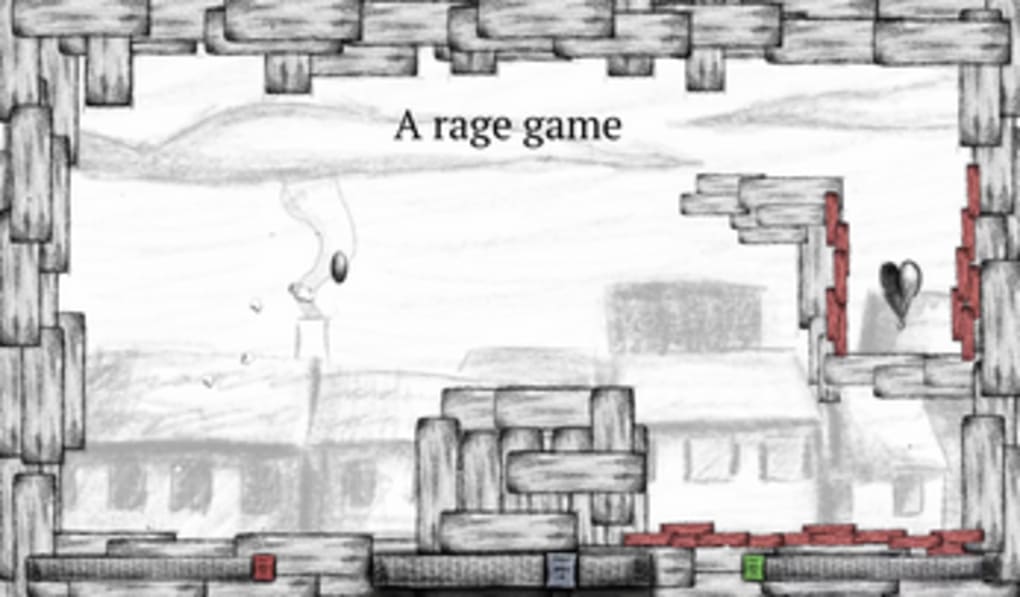
Unsteady Bounce is a free, lightweight platformer built for Windows PCs by indie developer TheComfyLudum Dare 49, the game puts you in control of a simple ball that must hop from rooftop to rooftop until it reaches a floating heart at the end of each level. The core loop is pure physics: you adjust jump force with the A/D (or left/right arrows) keys, tweak the ball’s rotation speed using W/S (or up/down arrows), and launch into the air with the space bar. A single misstep onto a red brick ends the run, forcing you to restart the level.
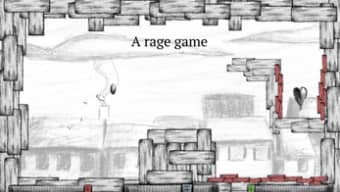
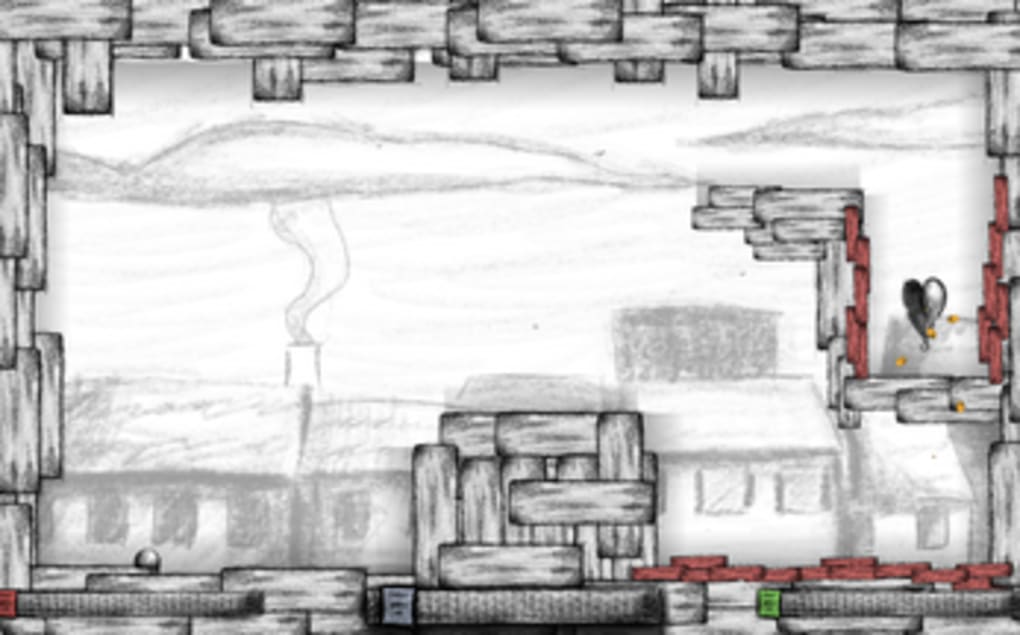
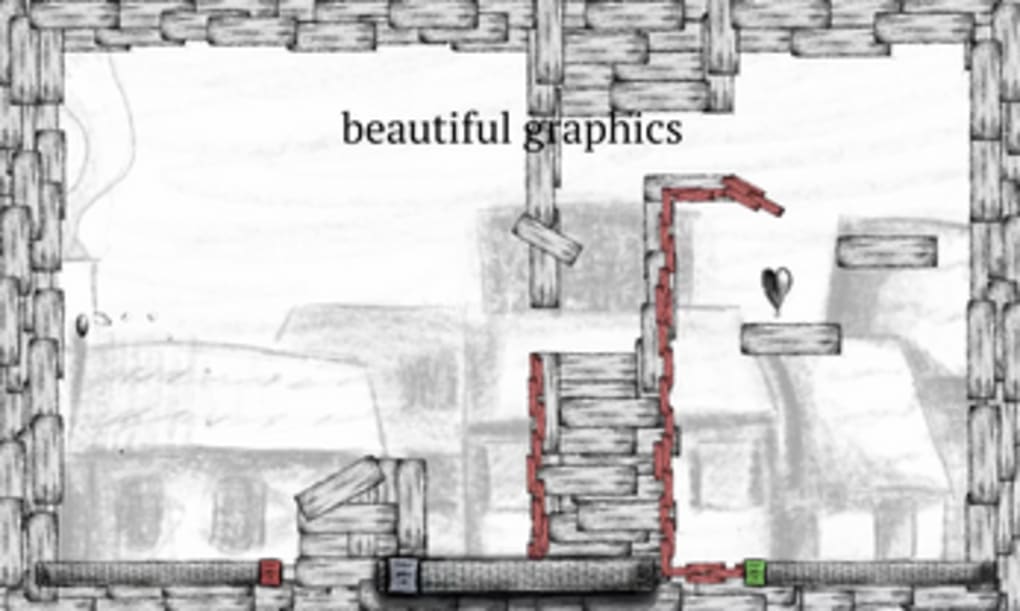
Visually, Unsteady Bounce embraces an artsy, hand‑drawn aesthetic. Rough shading and minimalist backgrounds give the game a relaxed vibe, contrasting sharply with the unforgiving difficulty of titles like JumpKing or Getting Over It. There are only five levels, each with its own quirky layout and increasing challenge. While the narrative is almost non‑existent, the game shines as a quick, bite‑sized diversion—perfect for a coffee break or a short gaming session. Its emphasis on simple controls, physics‑based puzzles, and an attractive art style makes it a noteworthy addition to the free‑to‑play indie catalog.
Features and Gameplay Mechanics
- Free download for Windows PCs – no hidden fees.
- Physics‑driven ball control with adjustable jump force and rotation speed.
- Five handcrafted levels with unique rooftop designs.
- Hand‑drawn, artsy graphics and atmospheric shading.
- Keyboard‑only controls for quick pick‑up and play.
- Minimalist UI – focus stays on the gameplay.
- Responsive design that runs smoothly on low‑end hardware.
The gameplay experience of Unsteady Bounce revolves around mastering timing and precision. Because the ball’s rotation influences its bounce trajectory, players must learn to balance the two control axes: force and spin. The A/D keys change how much power you inject into each jump, while W/S affect how fast the ball spins while airborne. This dual‑axis system adds depth without overwhelming the player, allowing both casual gamers and physics‑puzzle enthusiasts to find a comfortable sweet spot.
Each level introduces new rooftop configurations – from narrow gaps that demand exact timing to moving platforms that test your ability to read the ball’s momentum. The red bricks serve as punitive obstacles; touching one triggers an instant game over, encouraging careful observation and a “learn‑by‑failure” approach. The final heart at the end of every stage acts as both a visual goal and a clear completion marker, giving a satisfying sense of progress despite the game’s short length. Though there is no character progression system, the incremental difficulty curve and the subtle visual changes between levels keep the experience fresh throughout the five stages.
Installation, Compatibility & Usage Guide
Getting Unsteady Bounce up and running is intentionally straightforward. The game is distributed as a single .zip archive from reputable indie game portals such as itch.io. Follow these steps to install:
- Visit the official download page and click the “Download Free” button.
- Save the
UnsteadyBounce.zipfile to a convenient folder. - Right‑click the archive and select “Extract All…” – the game requires no additional dependencies.
- Open the extracted folder and double‑click
UnsteadyBounce.exeto launch.
The application is built for Windows 7, 8, 10 and 11 (64‑bit). Because it relies only on standard DirectX 9 libraries, it runs comfortably on modest hardware, making it ideal for older laptops or desktops.
Once the game starts, you’ll see a simple main menu with “Play” and “Quit” options. Press Enter to begin. Remember the control scheme: A/D or left/right arrows for jump force, W/S or up/down arrows for rotation speed, and Space to jump.
If you prefer a more relaxed experience, you can lower the rotation speed before launching each jump, reducing the likelihood of overshooting a rooftop. The game does not feature an in‑game settings menu, so any adjustments must be made through the keyboard while playing. For players seeking a quick practice round, simply press R to restart the current level without returning to the main menu.
Pros, Cons & Frequently Asked Questions
Pros
- Completely free and lightweight – under 50 MB download.
- Engaging physics‑based controls that reward skillful timing.
- Artistic hand‑drawn visuals set a calming mood.
- Short, replayable levels ideal for short breaks.
- Runs smoothly on low‑end Windows PCs.
Cons
- Only five levels – limited long‑term content.
- No progression system or unlockable upgrades.
- Lack of in‑game settings (audio, graphics, controls).
- Absence of a narrative or story context.
- Gameplay can become repetitive after multiple playthroughs.
FAQ
Is Unsteady Bounce safe to download?
Yes. The game is hosted on reputable indie platforms like itch.io, and the executable is virus‑free. Always download from the official page to avoid tampered files.
Can I play Unsteady Bounce on a Mac?
The native build is Windows‑only. Mac users can run it through compatibility layers such as Wine or a virtual machine, but an official macOS version is not currently available.
Do I need an internet connection to play?
No. Once downloaded and extracted, Unsteady Bounce runs completely offline.
Is there any way to modify the controls?
The game does not include a built‑in key‑binding menu. Advanced users can edit the config.ini file (if present) after extracting the archive, but this is not officially supported.
Will there be future updates or additional levels?
The developer has indicated that Unsteady Bounce was created as a Ludum Dare prototype, so major updates are unlikely. However, community mods occasionally appear, adding custom levels.
Conclusion – Should You Download Unsteady Bounce?
Unsteady Bounce delivers a concise, physics‑driven platforming experience that feels both artistic and approachable. If you enjoy short, skill‑based challenges and appreciate hand‑drawn indie aesthetics, the game is a perfect fit. Its free price tag and low system requirements mean there’s virtually no downside to giving it a try. However, if you crave deep progression, extensive level counts, or narrative depth, you may find the title’s brevity limiting. Overall, it shines as a “pick‑up‑and‑play” diversion—ideal for winding down after work or filling a quick gaming gap.
Ready to bounce? Download Unsteady Bounce now and start hopping across rooftops today. Experience the charm of indie physics gameplay without spending a dime.
Overall Rating: 4/5
Pros: Free, artistic graphics, smooth physics.
Cons: Very short, no progression system.



.png)



